
Category: Video

  • The Camera Triangle: The Three Pillars of Photography

    The Camera Triangle: The Three Pillars of Photography

    In photography, there are three fundamental elements that govern the exposure and overall quality of an image: aperture, shutter speed, and ISO. Together, these three form what is known as the “camera triangle” or “exposure triangle.” Mastering the relationship between these three pillars is key to taking well-exposed and visually compelling photographs.

    Aperture

    The aperture refers to the opening inside the camera lens that allows light to travel through and reach the image sensor or film. It is represented by f-numbers like f/2.8, f/5.6, f/11, etc. Larger f-numbers correspond to a smaller aperture opening, while smaller f-numbers indicate a wider aperture opening.

    Aperture controls two crucial aspects of your image: depth of field and brightness. A wider aperture (smaller f-number like f/2.8) creates a shallower depth of field, blurring the background and foreground to isolate your subject. Conversely, a narrower aperture (larger f-number like f/16) keeps more of the scene in focus from front to back.

    Aperture also impacts the brightness of your image. A wider aperture allows more light to hit the sensor, resulting in a brighter exposure. This makes wider apertures ideal for low-light situations or when you want to use faster shutter speeds to freeze motion.

    Shutter Speed

    The shutter speed refers to how long the camera’s sensor is exposed to light for each shot. It is measured in seconds or fractions of a second, like 1/60th, 1/250th, 1/1000th, etc. Longer shutter speeds allow more light in, while shorter speeds let in less light.

    Shutter speed’s primary function is to control motion blur. A fast shutter speed like 1/2000th of a second will freeze action, while a slow shutter like 1/15th of a second will blur any movement, which can be used creatively for pleasing blur effects on flowing water or light trails.

    Slowing down the shutter in low light can lead to camera shake and blurry shots, so a tripod or increasing the ISO may be necessary. Faster shutters require more light or a wider aperture to avoid underexposure.

    ISO

    ISO refers to the image sensor’s light sensitivity setting. It is represented by numbers like 100, 400, 1600, etc. A lower ISO value means less sensitivity to light, while a higher value increases the sensor’s ability to capture light.

    Increasing the ISO allows you to use faster shutter speeds in low light to avoid blur from camera shake or freeze motion. However, higher ISOs also increase digital noise and reduce overall image quality.

    Most photographers try to use the lowest possible ISO that still allows a proper exposure to maximize sharpness and dynamic range in their images. Only when light is extremely low should you raise the ISO substantially.

    Balancing the Triangle

    The three sides of the exposure triangle are aperture, shutter speed, and ISO. Once you understand how each of these elements impacts your image, you can begin balancing them against one another for the desired results.

    For instance, if you want a shallow depth of field to blur the background, you’ll need to use a wide aperture like f/2.8. This lets in lots of light, so you’ll likely need to increase the shutter speed or lower the ISO to avoid overexposure.

    Conversely, if you want to freeze the motion of a fast-moving subject, you’ll need to use a fast shutter speed like 1/2000th of a second. This requires more light, so you may need to open up your aperture for a shallower depth of field or increase your ISO and deal with more noise.

    It’s all about striking the right balance based on your priorities for that particular image. With practice, you’ll develop an intuition for how to juggle these three elements seamlessly to achieve your creative vision.

    Mastering the camera triangle takes time and experience, but developing this key skill allows you to take control of your photographic exposures and intentionally create the kinds of images you want.

  • So You Want to Livestream. Now What?

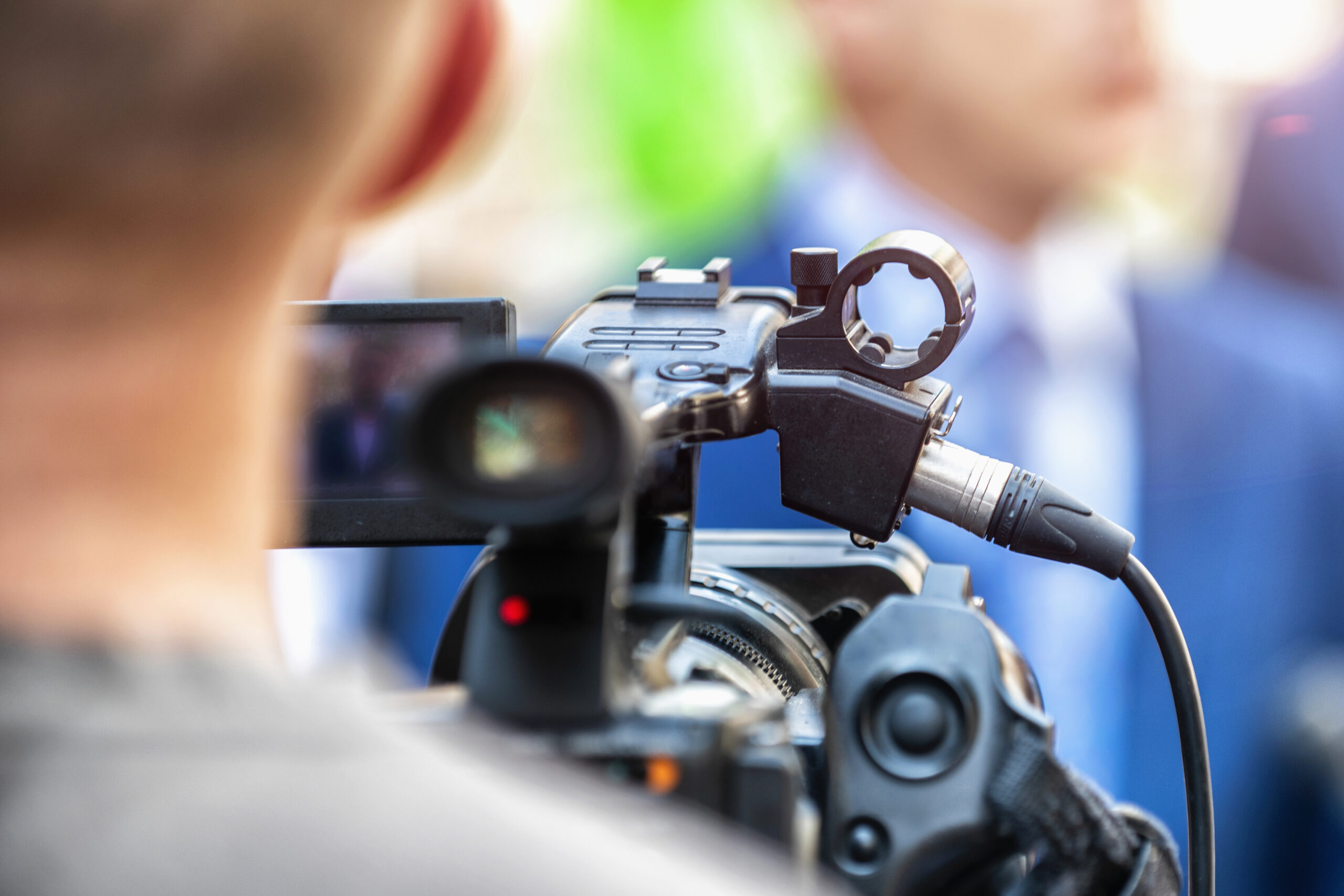
    So You Want to Livestream. Now What?

    Livestreaming has exploded in popularity in recent years, allowing anyone from gamers to musicians to chefs to broadcast live video content to an audience over the internet. If you’ve decided you want to start your own livestream, where do you actually begin? 

    First, determine what kind of content you want to stream and who your target audience is. This will help guide decisions on which platform to use and what equipment you may need. Popular streaming platforms include Twitch, YouTube Live, Facebook Live, and platforms like Smash.gg for gaming tournaments.

    Next, take a look at your hardware situation. At a minimum, you’ll need a computer with decent internet bandwidth to broadcast your stream without major lag or buffering issues. You’ll also need a webcam if you plan on being on camera. High-quality external webcams and microphones can provide much better video and audio compared to basic laptop/desktop peripherals.

    Once you have your hardware ready, you’ll need livestreaming software to broadcast to your platform of choice. Very popular free options include OBS Studio and Streamlabs OBS. These allow you to set up custom scenes, add overlays like webcam borders or sponsors, and customize streaming settings.

    Before you go live, it’s a good idea to do some test recordings to check your audio/video settings and get a feel for things. Make sure your lighting is adequate, your microphone is picking up sound clearly, and your webcam is positioned properly. Audiences expect a reasonable level of quality and production value these days.

    When you’re ready to go live, promote your stream on social media, forums, or communities related to your niche. Having a consistent schedule can help build an audience over time. Be prepared to interact with your viewers through the livestream chat.

    Most importantly, try to have fun and engage with your audience! Livestreaming is all about that real-time connection. With some perseverance, you could build a loyal following for your livestream content.

  • Capturing Life’s Moments: 1080p vs 4K Video

    Capturing Life’s Moments: 1080p vs 4K Video

    In today’s digital age, high-quality video recording has become more accessible than ever. Two of the most popular resolutions for video capture are 1080p (Full HD) and 4K (Ultra HD). While both formats offer clear and crisp visuals, there are distinct differences in quality, file size, and compatibility that are important to consider. Let’s explore the key factors that set 1080p and 4K video apart.

    Resolution: The Pixel Advantage

    The most significant distinction between 1080p and 4K lies in their resolution, or the number of pixels that make up the video image. 1080p, also known as Full HD, has a resolution of 1920 x 1080 pixels, which translates to around 2 million pixels per frame. On the other hand, 4K, or Ultra HD, boasts a resolution of 3840 x 2160 pixels, packing an impressive 8 million pixels per frame – four times the resolution of 1080p.

    This massive difference in pixel count means that 4K videos can capture far more detail, clarity, and sharpness compared to their 1080p counterparts. When viewed on a large screen or from a close distance, 4K videos appear significantly more lifelike and immersive, with finer textures, smoother lines, and better-defined edges.

    File Size and Storage Requirements

    With higher resolution comes larger file sizes. A single minute of 4K video recorded at 30 frames per second can consume anywhere from 300MB to 600MB of storage space, depending on the bit rate and compression used. In contrast, a minute of 1080p video typically requires between 100MB and 200MB.

    This substantial difference in file size means that capturing and storing 4K video demands more storage space and faster data transfer rates. While modern high-capacity hard drives and cloud storage solutions can accommodate larger 4K files, it’s essential to consider your storage needs, especially if you plan to archive or back up your video collection.

    Compatibility and Playback

    While 4K displays and media players are becoming more prevalent, 1080p remains the more widely adopted and compatible format across various devices and platforms. Most modern smartphones, tablets, laptops, and TVs support playback of 1080p video without any issues, ensuring a smooth viewing experience.

    On the other hand, 4K video may require more powerful hardware and updated software to ensure seamless playback. Older devices or those with limited processing power might struggle to play 4K videos smoothly, resulting in stuttering, frame skipping, or reduced quality.

    Choosing the Right Resolution

    The decision between shooting in 1080p or 4K ultimately depends on your specific needs and priorities. If you value maximum detail, clarity, and future-proofing your video collection, 4K is the way to go, especially if you have the necessary storage capacity and compatible playback devices.

    However, if you primarily share videos on the web, social media, or standard displays, 1080p may be sufficient. It strikes a good balance between quality and manageable file sizes, ensuring compatibility across a wide range of devices.

    Whether you choose 1080p or 4K, both resolutions offer stunning video quality that can capture life’s precious moments with exceptional clarity. As technology continues to evolve, 4K will likely become more ubiquitous, but 1080p will remain a reliable and widely supported option for years to come.