Category: Technology

  • The Camera Triangle: The Three Pillars of Photography

    The Camera Triangle: The Three Pillars of Photography

    In photography, there are three fundamental elements that govern the exposure and overall quality of an image: aperture, shutter speed, and ISO. Together, these three form what is known as the “camera triangle” or “exposure triangle.” Mastering the relationship between these three pillars is key to taking well-exposed and visually compelling photographs.

    Aperture

    The aperture refers to the opening inside the camera lens that allows light to travel through and reach the image sensor or film. It is represented by f-numbers like f/2.8, f/5.6, f/11, etc. Larger f-numbers correspond to a smaller aperture opening, while smaller f-numbers indicate a wider aperture opening.

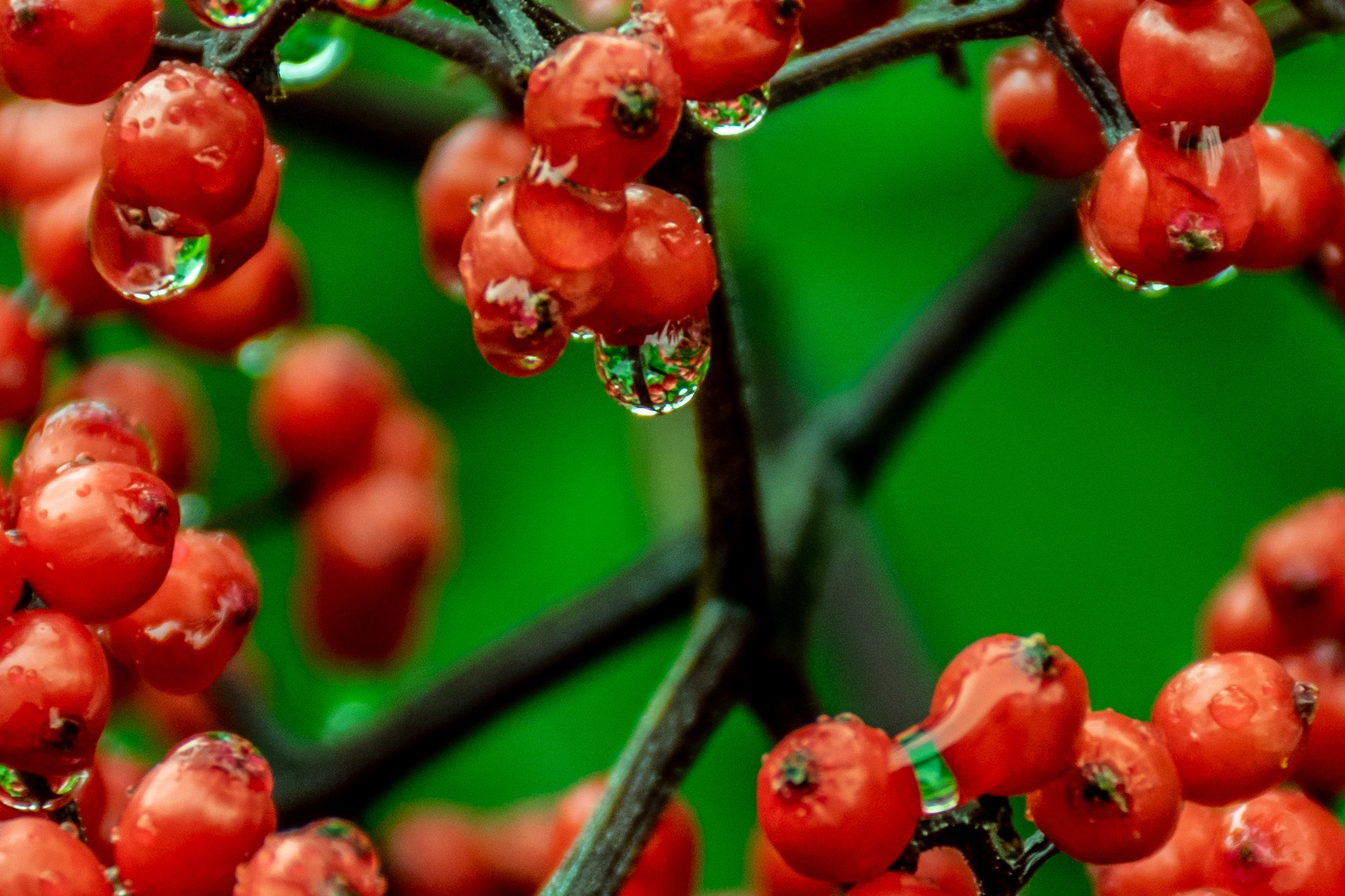
    Aperture controls two crucial aspects of your image: depth of field and brightness. A wider aperture (smaller f-number like f/2.8) creates a shallower depth of field, blurring the background and foreground to isolate your subject. Conversely, a narrower aperture (larger f-number like f/16) keeps more of the scene in focus from front to back.

    Aperture also impacts the brightness of your image. A wider aperture allows more light to hit the sensor, resulting in a brighter exposure. This makes wider apertures ideal for low-light situations or when you want to use faster shutter speeds to freeze motion.

    Shutter Speed

    The shutter speed refers to how long the camera’s sensor is exposed to light for each shot. It is measured in seconds or fractions of a second, like 1/60th, 1/250th, 1/1000th, etc. Longer shutter speeds allow more light in, while shorter speeds let in less light.

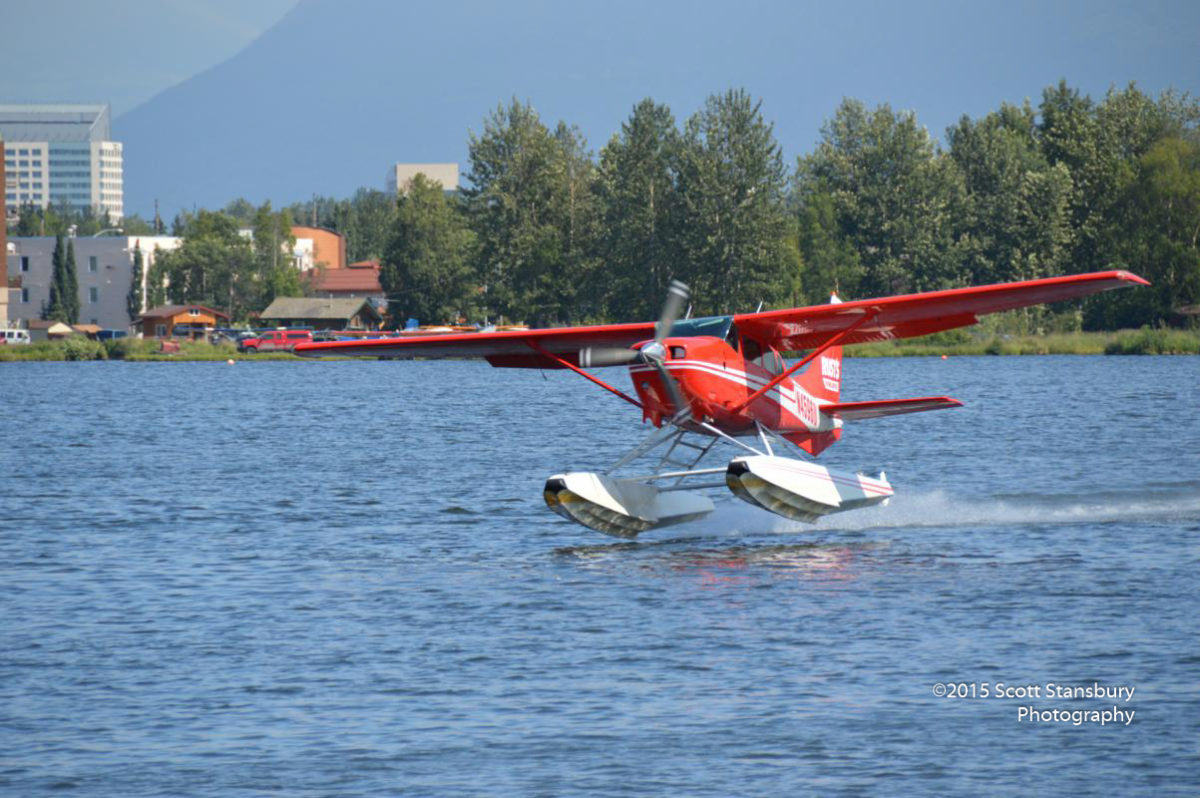
    Shutter speed’s primary function is to control motion blur. A fast shutter speed like 1/2000th of a second will freeze action, while a slow shutter like 1/15th of a second will blur any movement, which can be used creatively for pleasing blur effects on flowing water or light trails.

    Slowing down the shutter in low light can lead to camera shake and blurry shots, so a tripod or increasing the ISO may be necessary. Faster shutters require more light or a wider aperture to avoid underexposure.

    ISO

    ISO refers to the image sensor’s light sensitivity setting. It is represented by numbers like 100, 400, 1600, etc. A lower ISO value means less sensitivity to light, while a higher value increases the sensor’s ability to capture light.

    Increasing the ISO allows you to use faster shutter speeds in low light to avoid blur from camera shake or freeze motion. However, higher ISOs also increase digital noise and reduce overall image quality.

    Most photographers try to use the lowest possible ISO that still allows a proper exposure to maximize sharpness and dynamic range in their images. Only when light is extremely low should you raise the ISO substantially.

    Balancing the Triangle

    The three sides of the exposure triangle are aperture, shutter speed, and ISO. Once you understand how each of these elements impacts your image, you can begin balancing them against one another for the desired results.

    For instance, if you want a shallow depth of field to blur the background, you’ll need to use a wide aperture like f/2.8. This lets in lots of light, so you’ll likely need to increase the shutter speed or lower the ISO to avoid overexposure.

    Conversely, if you want to freeze the motion of a fast-moving subject, you’ll need to use a fast shutter speed like 1/2000th of a second. This requires more light, so you may need to open up your aperture for a shallower depth of field or increase your ISO and deal with more noise.

    It’s all about striking the right balance based on your priorities for that particular image. With practice, you’ll develop an intuition for how to juggle these three elements seamlessly to achieve your creative vision.

    Mastering the camera triangle takes time and experience, but developing this key skill allows you to take control of your photographic exposures and intentionally create the kinds of images you want.

  • So You Want to Livestream. Now What?

    So You Want to Livestream. Now What?

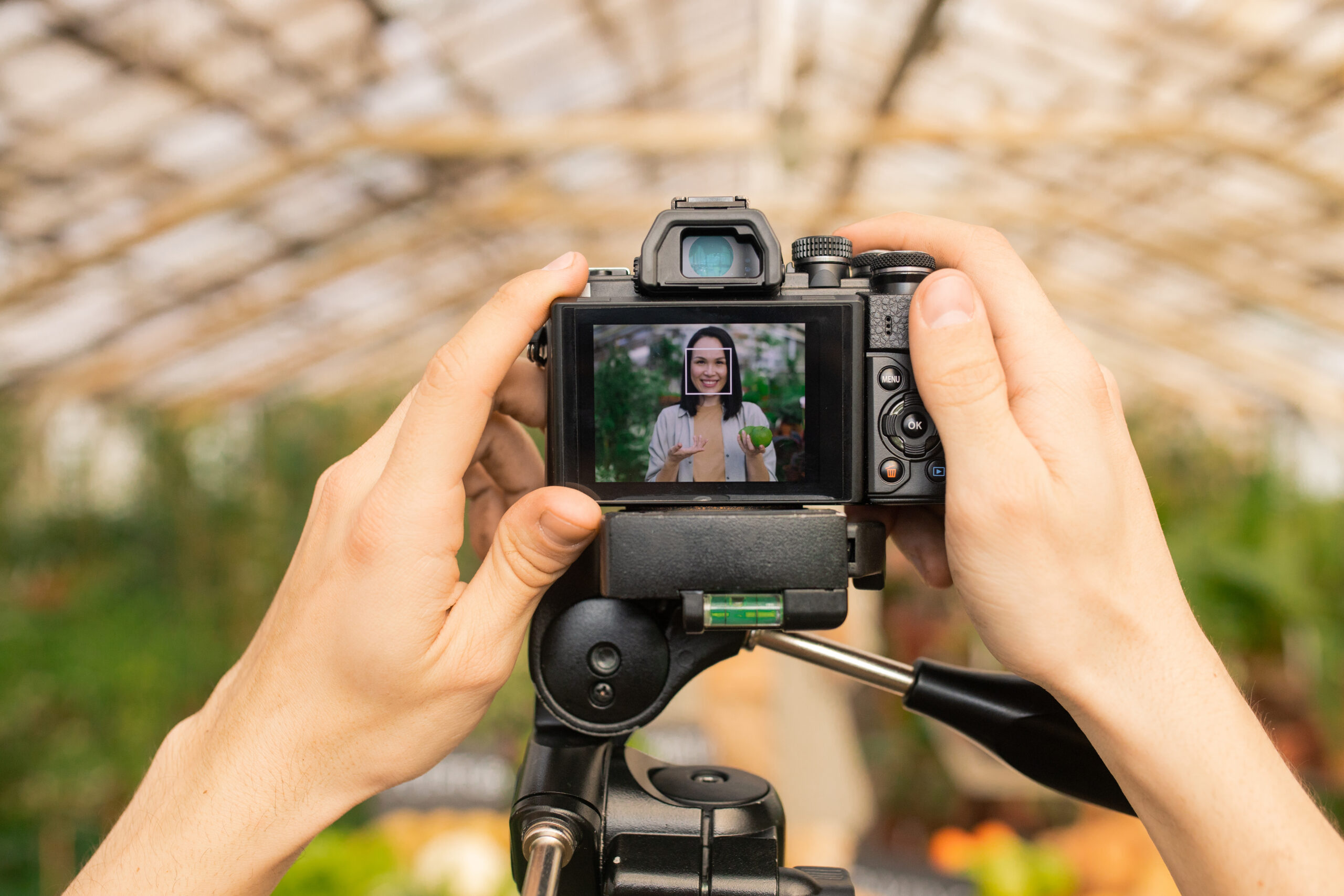
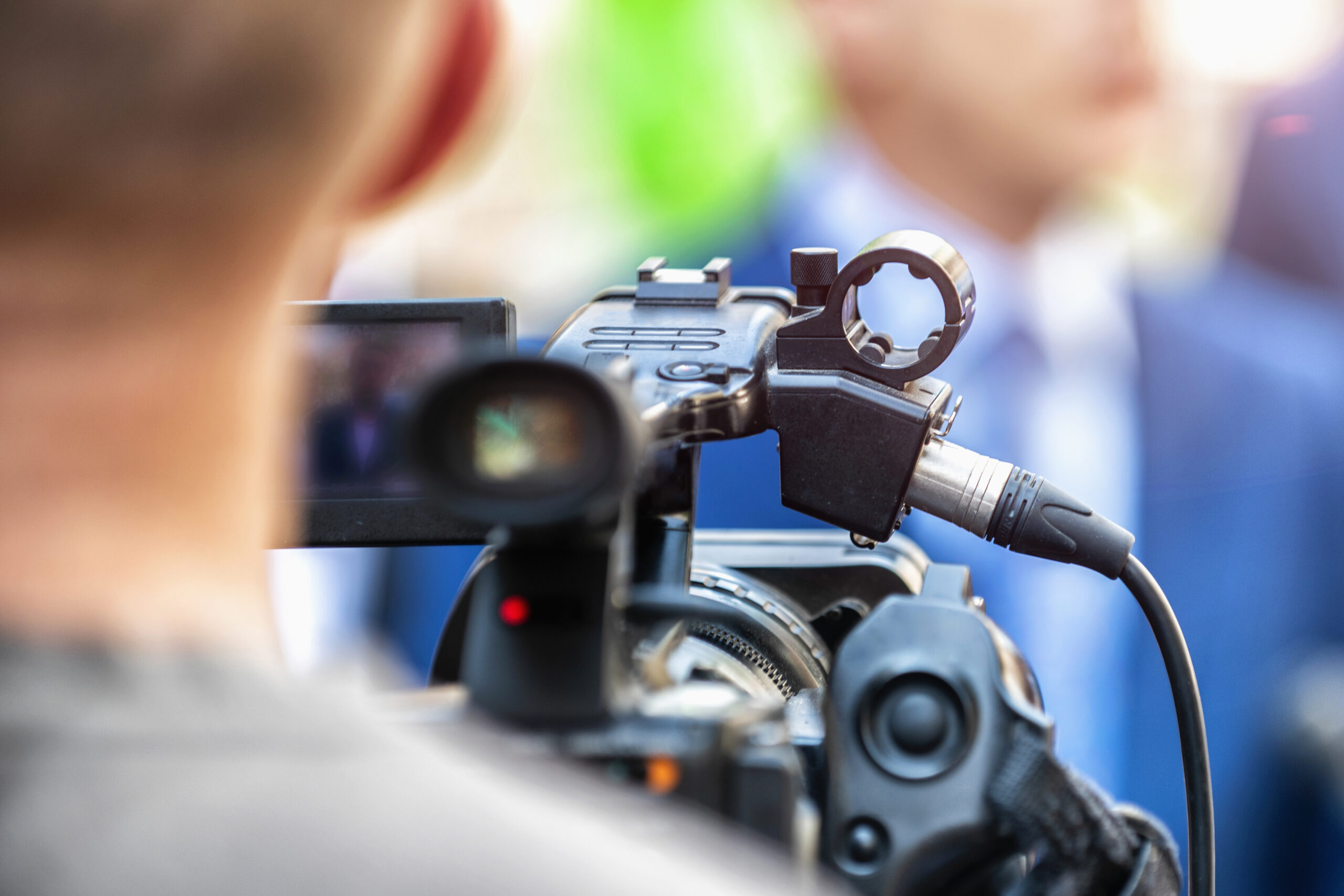
    Livestreaming has exploded in popularity in recent years, allowing anyone from gamers to musicians to chefs to broadcast live video content to an audience over the internet. If you’ve decided you want to start your own livestream, where do you actually begin? 

    First, determine what kind of content you want to stream and who your target audience is. This will help guide decisions on which platform to use and what equipment you may need. Popular streaming platforms include Twitch, YouTube Live, Facebook Live, and platforms like Smash.gg for gaming tournaments.

    Next, take a look at your hardware situation. At a minimum, you’ll need a computer with decent internet bandwidth to broadcast your stream without major lag or buffering issues. You’ll also need a webcam if you plan on being on camera. High-quality external webcams and microphones can provide much better video and audio compared to basic laptop/desktop peripherals.

    Once you have your hardware ready, you’ll need livestreaming software to broadcast to your platform of choice. Very popular free options include OBS Studio and Streamlabs OBS. These allow you to set up custom scenes, add overlays like webcam borders or sponsors, and customize streaming settings.

    Before you go live, it’s a good idea to do some test recordings to check your audio/video settings and get a feel for things. Make sure your lighting is adequate, your microphone is picking up sound clearly, and your webcam is positioned properly. Audiences expect a reasonable level of quality and production value these days.

    When you’re ready to go live, promote your stream on social media, forums, or communities related to your niche. Having a consistent schedule can help build an audience over time. Be prepared to interact with your viewers through the livestream chat.

    Most importantly, try to have fun and engage with your audience! Livestreaming is all about that real-time connection. With some perseverance, you could build a loyal following for your livestream content.

  • Capturing Life’s Moments: 1080p vs 4K Video

    Capturing Life’s Moments: 1080p vs 4K Video

    In today’s digital age, high-quality video recording has become more accessible than ever. Two of the most popular resolutions for video capture are 1080p (Full HD) and 4K (Ultra HD). While both formats offer clear and crisp visuals, there are distinct differences in quality, file size, and compatibility that are important to consider. Let’s explore the key factors that set 1080p and 4K video apart.

    Resolution: The Pixel Advantage

    The most significant distinction between 1080p and 4K lies in their resolution, or the number of pixels that make up the video image. 1080p, also known as Full HD, has a resolution of 1920 x 1080 pixels, which translates to around 2 million pixels per frame. On the other hand, 4K, or Ultra HD, boasts a resolution of 3840 x 2160 pixels, packing an impressive 8 million pixels per frame – four times the resolution of 1080p.

    This massive difference in pixel count means that 4K videos can capture far more detail, clarity, and sharpness compared to their 1080p counterparts. When viewed on a large screen or from a close distance, 4K videos appear significantly more lifelike and immersive, with finer textures, smoother lines, and better-defined edges.

    File Size and Storage Requirements

    With higher resolution comes larger file sizes. A single minute of 4K video recorded at 30 frames per second can consume anywhere from 300MB to 600MB of storage space, depending on the bit rate and compression used. In contrast, a minute of 1080p video typically requires between 100MB and 200MB.

    This substantial difference in file size means that capturing and storing 4K video demands more storage space and faster data transfer rates. While modern high-capacity hard drives and cloud storage solutions can accommodate larger 4K files, it’s essential to consider your storage needs, especially if you plan to archive or back up your video collection.

    Compatibility and Playback

    While 4K displays and media players are becoming more prevalent, 1080p remains the more widely adopted and compatible format across various devices and platforms. Most modern smartphones, tablets, laptops, and TVs support playback of 1080p video without any issues, ensuring a smooth viewing experience.

    On the other hand, 4K video may require more powerful hardware and updated software to ensure seamless playback. Older devices or those with limited processing power might struggle to play 4K videos smoothly, resulting in stuttering, frame skipping, or reduced quality.

    Choosing the Right Resolution

    The decision between shooting in 1080p or 4K ultimately depends on your specific needs and priorities. If you value maximum detail, clarity, and future-proofing your video collection, 4K is the way to go, especially if you have the necessary storage capacity and compatible playback devices.

    However, if you primarily share videos on the web, social media, or standard displays, 1080p may be sufficient. It strikes a good balance between quality and manageable file sizes, ensuring compatibility across a wide range of devices.

    Whether you choose 1080p or 4K, both resolutions offer stunning video quality that can capture life’s precious moments with exceptional clarity. As technology continues to evolve, 4K will likely become more ubiquitous, but 1080p will remain a reliable and widely supported option for years to come.

  • So You Want to Buy a DSLR Camera, Now What?

    So You Want to Buy a DSLR Camera, Now What?

    If you’re an aspiring photographer looking to take your skills to the next level, you’ve probably been dreaming about upgrading to a DSLR (digital single lens reflex) camera. DSLRs offer superior image quality, more control over settings, and the ability to use interchangeable lenses compared to point-and-shoot cameras. However, the vast selection of DSLR models and features can be intimidating for a first-time buyer. This guide will help you navigate the process of choosing the right DSLR for your needs and budget.

    Determine Your Budget

    DSLRs can range from a few hundred dollars for an entry-level model to several thousand for a professional-grade camera body. It’s essential to set a realistic budget from the start. Remember that you’ll likely need to buy lenses in addition to the camera body, which can add significant cost. As a beginner, you may want to start with an affordable entry-level or mid-range DSLR and invest in better lenses or accessories later.

    Consider the Sensor Size

    The sensor size is one of the most critical factors in image quality. DSLRs typically use APS-C sensors (smaller than full-frame) or full-frame sensors (same size as 35mm film). Full-frame sensors provide better low-light performance, dynamic range, and overall image quality but come at a higher price point. APS-C sensors are more affordable and still produce excellent results, especially for those just starting out.

    Decide on Important Features

    Different DSLR models offer various features, and it’s essential to prioritize the ones that matter most to you. Here are some key features to consider:

    – Megapixel count: Higher megapixels allow for larger prints or more cropping flexibility, but aren’t everything.

    – Autofocus system: A more advanced autofocus system with more focus points can better track moving subjects.

    – Continuous shooting speed: If you plan to photograph sports or action, a faster continuous shooting rate is desirable.

    – Video capabilities: For videographers, features like 4K video, microphone input, and headphone jack are important.

    – Weather sealing: For outdoor photography, weather-sealed bodies offer better protection against dust and moisture.

    – WiFi/Bluetooth connectivity: These allow for wireless transfer of images to smartphones or tablets.

    Don’t Forget About Lenses

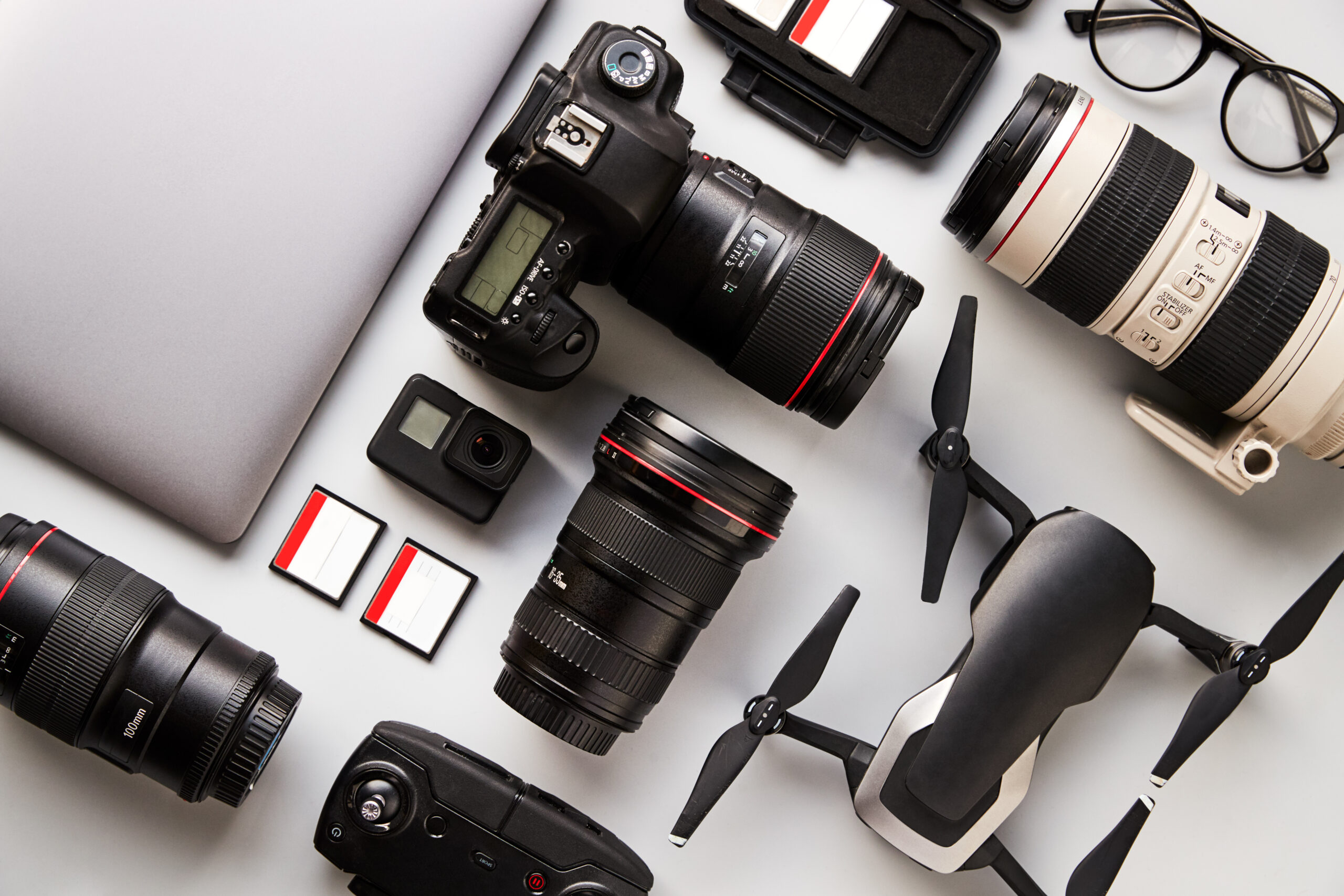
    While the camera body is essential, the lenses you choose will significantly impact your photography. Most DSLR bodies are sold with a basic kit lens, but you’ll likely want to invest in additional lenses for different purposes, such as a telephoto lens for sports or wildlife, a wide-angle lens for landscapes, or a prime lens for portraits with beautiful bokeh (background blur).

    Handling and Ergonomics

    Before making your final decision, try to handle the DSLR models you’re considering in person. Pay attention to how they feel in your hands, the placement of controls, and the overall build quality. A camera that doesn’t feel comfortable or intuitive to use can detract from the enjoyment of photography.

    In conclusion, buying your first DSLR is an exciting step in your photography journey. Take the time to research your options, prioritize the features that align with your goals, and don’t be afraid to seek advice from experienced photographers or camera store staff. With the right DSLR and lens combination, you’ll be well-equipped to capture stunning images and unleash your creativity.

  • How to Calibrate the Lens on Your Camera

    How to Calibrate the Lens on Your Camera

    Getting the sharpest possible images from your camera often requires calibrating the lens to ensure it is perfectly aligned with the sensor. Even minor misalignment issues can result in soft focus or inconsistent sharpness across the frame. Lens calibration is the process of making micro-adjustments to the lens-camera connection to optimize image quality.

    While modern cameras and lenses are manufactured with tight tolerances, there is always the potential for very small deviations that can affect image sharpness. Issues like a slightly tilted sensor, imperfect mounting of the lens, or other miniscule factors can blur or distort your photos and videos.

    Lens calibration allows you to analyze test shots taken with specialty targets or charts, and then tweak the focus parameters until you achieve pixel-level sharpness across the entire frame. Many cameras have built-in lens calibration aids, while third-party software and tools are also available.

    The exact process varies depending on your specific camera model and lenses, but here are some general tips for calibrating your camera lenses:

    1. Use a Robust Tripod and Good Lighting

    Lens calibration requires taking extremely precise test shots, so you’ll need a sturdy tripod and controlled lighting conditions. Avoid any vibration or camera movement when capturing your test images.

    2. Focus on a Flat Target or Chart

    You’ll want to focus on a specialized lens calibration chart or target placed parallel to your camera’s sensor plane. Look for high-contrast patterns that provide measurable data points across the frame.

    3. Take Test Shots at Multiple Focal Lengths and Apertures 

    With zoom lenses, calibration may need to be adjusted across the entire focal range, from wide-angle to telephoto. Similarly, different apertures can also affect focus.

    4. Analyze Your Test Images

    Use your camera’s built-in tools or third-party calibration software to inspect the test shots and quantify any defocusing or alignment issues across different areas of the frame.

    5. Make Micro-Adjustments

    Based on the analysis, you can typically fine-tune focus parameters in your camera to tweak front/back focus misalignment and tilt/shift adjustments. Small incremental changes go a long way.

    6. Shoot New Test Images and Reanalyze

    Recapture test shots after making adjustments and recheck the results. You may need to iterate on this process several times to achieve optimal sharpness.

    While the calibration process can be time-consuming, putting in the effort upfront to perfectly align each lens pays off with sharper, more consistent image quality. Many professional photographers consider lens calibration an essential periodic maintenance task to get the most out of their gear.

  • The Battle Between Crop Sensor and Full-Frame: Pros and Cons

    The Battle Between Crop Sensor and Full-Frame: Pros and Cons

    When it comes to digital cameras, one of the key decisions photographers face is whether to opt for a crop sensor (APS-C) or a full-frame sensor. Both sensor types have their own unique advantages and disadvantages, making the choice a matter of individual preference and shooting needs. In this article, we’ll delve into the pros and cons of crop sensor cameras, helping you make an informed decision.

    Pros of Crop Sensor Cameras:

    1. Affordability: One of the most significant advantages of crop sensor cameras is their cost-effectiveness. Due to their smaller sensor size and less complex manufacturing process, these cameras are generally more budget-friendly than their full-frame counterparts, making them an excellent choice for beginners or those on a tight budget.

    2. Effective Focal Length Magnification: Crop sensor cameras effectively magnify the focal length of lenses, providing a longer reach without the need for additional expensive telephoto lenses. This makes them ideal for sports, wildlife, and action photography, where you might need to capture distant subjects.

    3. Depth of Field Control: The smaller sensor size of crop sensor cameras results in a deeper depth of field compared to full-frame cameras when using the same aperture and focal length. This can be advantageous for landscape and macro photography, where you want to keep more of the scene in focus.

    4. Compact and Lightweight Design: Crop sensor cameras are typically smaller and lighter than full-frame models, making them more portable and easier to carry around for extended periods, especially when traveling or hiking.

    Cons of Crop Sensor Cameras:

    1. Image Quality and Low-Light Performance: While crop sensor cameras have come a long way in terms of image quality, they still generally lag behind their full-frame counterparts in terms of overall image quality, dynamic range, and low-light performance. The smaller sensor size means smaller individual pixels, which can result in more noise and less detail in low-light situations.

    2. Limited Wide-Angle Capabilities: Due to the crop factor, wide-angle lenses on crop sensor cameras don’t provide the same field of view as they would on a full-frame camera. This can be limiting for certain types of photography, such as architecture, landscapes, and astrophotography, where a wider field of view is desirable.

    3. Depth of Field Issues: While the deeper depth of field can be an advantage in some situations, it can also be a hindrance in others. For example, when shooting portraits, you may find it more challenging to achieve a pleasingly blurred background (bokeh) with a crop sensor camera.

    4. Resale Value: Full-frame cameras generally hold their value better than crop sensor models, making them a better long-term investment if you plan to upgrade or sell your gear in the future.

    In conclusion, crop sensor cameras offer an excellent balance of affordability, portability, and capabilities that make them a great choice for many photographers, particularly those starting out or those who prioritize cost-effectiveness and versatility. However, if you demand the highest possible image quality, low-light performance, and wide-angle capabilities, a full-frame camera might be the better option, albeit at a higher price point. Ultimately, the decision comes down to your specific needs, shooting style, and budget.

  • Mastering Bracketing for Stunning Photos

    Mastering Bracketing for Stunning Photos

    In photography, bracketing is the technique of taking multiple shots of the same scene with different exposure settings. This is an incredibly useful tool that can help you get perfectly exposed images, especially in challenging lighting situations. Here’s why you should use bracketing and some tips to get the best results.

    Why Use Bracketing?

    1. Tricky Lighting Situations – Scenes with high contrast due to bright highlights and deep shadows can be difficult to meter and expose properly with a single shot. Bracketing allows you to capture multiple exposures to ensure you get one that is well-balanced.

    2. HDR Photography – Bracketing is essential for high dynamic range (HDR) photography. By combining bracketed images with different exposures, you can create HDR composites with an incredible range of lightness and darkness.

    3. Increased Chances of Nailing Exposure – With auto-exposure, your camera may slightly over or underexpose the image. Bracketing gives you a higher chance that at least one shot has the optimal exposure.

    Tips for Great Bracketed Shots

    1. Use a Tripod – Since you’re taking multiple shots, a sturdy tripod is a must to ensure perfect alignment between your bracketed frames for smooth blending in post-processing.

    2. Set Bracketing on Your Camera – Most DSLRs and mirrorless cameras have auto-bracketing modes that allow you to set how many shots are taken and the exposure variance between each shot.

    3. Start With the Proper Exposure – Take a properly metered shot first, then set bracketing to under and overexpose based on that reading. A typical bracketing setup is -2, 0, +2 stops.

    4. Use Aperture Priority Mode – This allows you to control depth of field while the camera adjusts shutter speed for the bracketed exposures.

    5. Take More Frames if Needed – If the contrast is extreme, you may need to bracket with an even wider range, like -3 to +3 stops.

    6. Watch Your Histogram – Check the histogram after your bracketed burst to ensure you’ve fully covered the exposure range.

    7. Shoot in RAW – RAW image files contain more data than JPEGs, giving you more flexibility with blending in post-production.

    With bracketed exposures, you dramatically increase your chances of ending up with perfectly lit images, even in challenging conditions. It may add an extra step, but bracketing is a powerful tool that can take your photography to new heights.

  • The Power of RAW Image Editing

    The Power of RAW Image Editing

    If you’re a photographer looking to take your image editing to the next level, working with RAW files is a must. RAW is an image format that captures all of the unprocessed data from your camera’s image sensor before it gets compressed into a JPEG or other standard file format. By shooting in RAW, you’re able to capture more detail, dynamic range, and color data than you get with JPEGs straight out of the camera.

    The trade-off is that RAW files need to be processed and “developed” using editing software before they can be exported into a viewable format like JPEG. But this extra flexibility is what makes RAW so powerful for editing. Here are some of the key benefits of editing RAW files:

    Increased Dynamic Range

    RAW files store a wider range of tones from bright highlights to dark shadows compared to JPEGs. This gives you much more ability to recover details from overexposed highlights or underexposed shadows when you edit the RAW file.

    More Color Control

    RAW files contain more color data than JPEGs. This allows you to adjust the white balance more precisely after the fact to get more accurate colors. You can also fine tune other color parameters like saturation, vibrance, and individual color hues.

    Non-Destructive Editing

    RAW files are read-only, so your editing software applies non-destructive adjustments on top of the original RAW data. This means you can always go back and re-edit or tweak your adjustments without degrading image quality. JPEGs use destructive editing which permanenently bakes in adjustments and can reduce quality.

    More Editing Headroom

    Since RAW files start off as unprocessed data, you have much more flexibility to make more extreme edits compared to the already-processed JPEG files from your camera. Things like exposure adjustments, sharpening, noise reduction, and lens correction all work better on RAW files.

    The RAW Editing Process

    To harness the power of RAW on your photos, you’ll need software that can read your camera’s proprietary RAW format, such as Adobe Lightroom or Photoshop. The basic RAW editing workflow is:

    1. Import your RAW files into your editing program 

    2. Apply global adjustments like white balance, exposure, contrast, etc.

    3. Make local adjustments with grad filters, brushes, etc. 

    4. Export your edited RAW file as a JPEG or other final format

    It takes some getting used to at first, but once you start editing RAW files you’ll be amazed at the extra flexibility and quality you can get out of your photos compared to straight-out-of-camera JPEGs. Shooting in RAW unlocks the full potential of your digital camera and your photo editing skills.

  • Understanding Shutter Speed for Better Photos

    Understanding Shutter Speed for Better Photos

    When you’re just starting out in photography with a DSLR camera, one of the key camera settings to get familiar with is the shutter speed. The shutter speed controls how long the camera’s image sensor is exposed to light when taking a photo. Getting the right shutter speed is crucial for avoiding blurry shots from camera shake or motion blur.  

    What Is Shutter Speed?

    The shutter speed is expressed as a fraction that shows how long the shutter is open and the image sensor is exposed, such as 1/250th of a second or 1/60th of a second. The larger the denominator value, the faster the shutter speed. For example, 1/2000th is much faster than 1/60th.

    Choosing the Right Shutter Speed

    The ideal shutter speed depends on the shooting conditions and your creative goals. As a general rule, you want to use a faster shutter speed (like 1/500th or higher) when shooting moving subjects to freeze motion and prevent blur. For stationary subjects, you can use slower speeds like 1/60th or 1/30th.

    However, another major factor is whether you are hand-holding the camera or not. If hand-holding, you’ll want to shoot at 1/focal length or faster to prevent camera shake blur. So if using a 100mm lens, try to stick to at least 1/100th of a second.

    When using slower shutter speeds, you’ll need to stabilize the camera on a tripod or solid surface. Slower speeds like 1/15th or even several seconds can be used for creative effects like smoothing movement in waterfalls or light trails from car headlights.

    In low light, you may need to use slower shutter speeds, which increases the risk of blur. Using a higher ISO can help you increase the shutter speed. Or use a flash to freeze motion with a faster shutter speed.

    The shutter speed setting works in tandem with the aperture and ISO to get properly exposed images. Play around with different shutter speeds to really understand how it impacts your photos. With practice, you’ll be a master of this key camera setting.

  • Understanding Aperture on Your DSLR Camera

    Understanding Aperture on Your DSLR Camera

    As you advance in photography and start learning more about the manual settings on your DSLR camera, aperture is one of the key concepts you’ll want to master. The aperture controls the amount of light that passes through the lens and hits the camera’s image sensor. Getting a handle on how aperture works is crucial for taking well-exposed photos and achieving the depth of field you want in your images.

    What is Aperture?

    The aperture is an opening in the lens that can be made wider or narrower. It contains small blades that work like the pupil in your eye, either dilating or contracting to control the flow of light. Aperture is measured in f-stops, with smaller f-stop numbers representing a wider opening that allows more light in. For example, f/2.8 is a very wide aperture that allows a lot of light, while f/22 is quite small and restricts light heavily.

    Aperture and Depth of Field

    In addition to controlling exposure, the aperture setting has a major impact on depth of field. Depth of field refers to the level of sharpness in the image, both in front of and behind the subject you focused on. A wider aperture like f/2.8 or f/4 produces a shallower depth of field, causing the background to appear beautifully blurred. This is great for portraiture when you want the subject to stand out against the soft backdrop.

    On the other hand, a narrower aperture like f/16 or f/22 yields a deeper depth of field where more of the scene from foreground to background appears in sharp focus. This is ideal for landscape photography when you want to capture detail and clarity throughout the entire image.

    Balancing Aperture with Shutter Speed and ISO

    Aperture exists in a balancing act with the other two exposure settings, shutter speed and ISO. If you open up the aperture to allow in more light, you’ll need to increase the shutter speed and/or lower the ISO to avoid overexposure. Conversely, stopping down the aperture requires a slower shutter speed and/or higher ISO to compensate for the reduced light hitting the sensor.

    When shooting handheld, you’ll generally want to use the widest aperture possible (lowest f-stop number) to allow for a faster shutter speed and prevent blur from camera shake. On a tripod, you can afford to stop down the aperture for deeper depth of field.

    Mastering aperture and depth of field takes practice, but it’s a gateway to taking complete control over your photography and achieving the desired look for your imagery. So experiment with adjusting those f-stop settings and see the effects for yourself!