Category: Technology

  • Master the Art of Macro Photography: Tips for Stunning Close-Up Shots

    Master the Art of Macro Photography: Tips for Stunning Close-Up Shots

    Macro photography is the art of capturing the tiny, intricate details of the world that often go unnoticed by the naked eye. Whether you’re shooting delicate flower petals, the compound eyes of an insect, or the mesmerizing patterns found in nature, macro photography allows you to explore a whole new realm of beauty and wonder. However, this genre of photography comes with its own set of challenges, and mastering it takes practice, patience, and a few essential tips.

    1. Invest in the Right Equipment

    While it’s possible to achieve decent macro shots with a basic camera and lens, investing in specialized macro equipment will take your images to the next level. A dedicated macro lens, with its ability to focus extremely close to the subject, is a must-have for true macro photography. Extension tubes or close-up filters can also be useful tools for increasing your camera’s magnification capabilities.

    2. Stabilize Your Camera

    When shooting at such close distances, even the slightest movement can result in blurred images. Tripods are essential for macro photography, as they eliminate camera shake and allow you to fine-tune your composition. For even greater stability, consider using a remote shutter release or the self-timer function to minimize camera vibrations when pressing the shutter button.

    3. Master Depth of Field

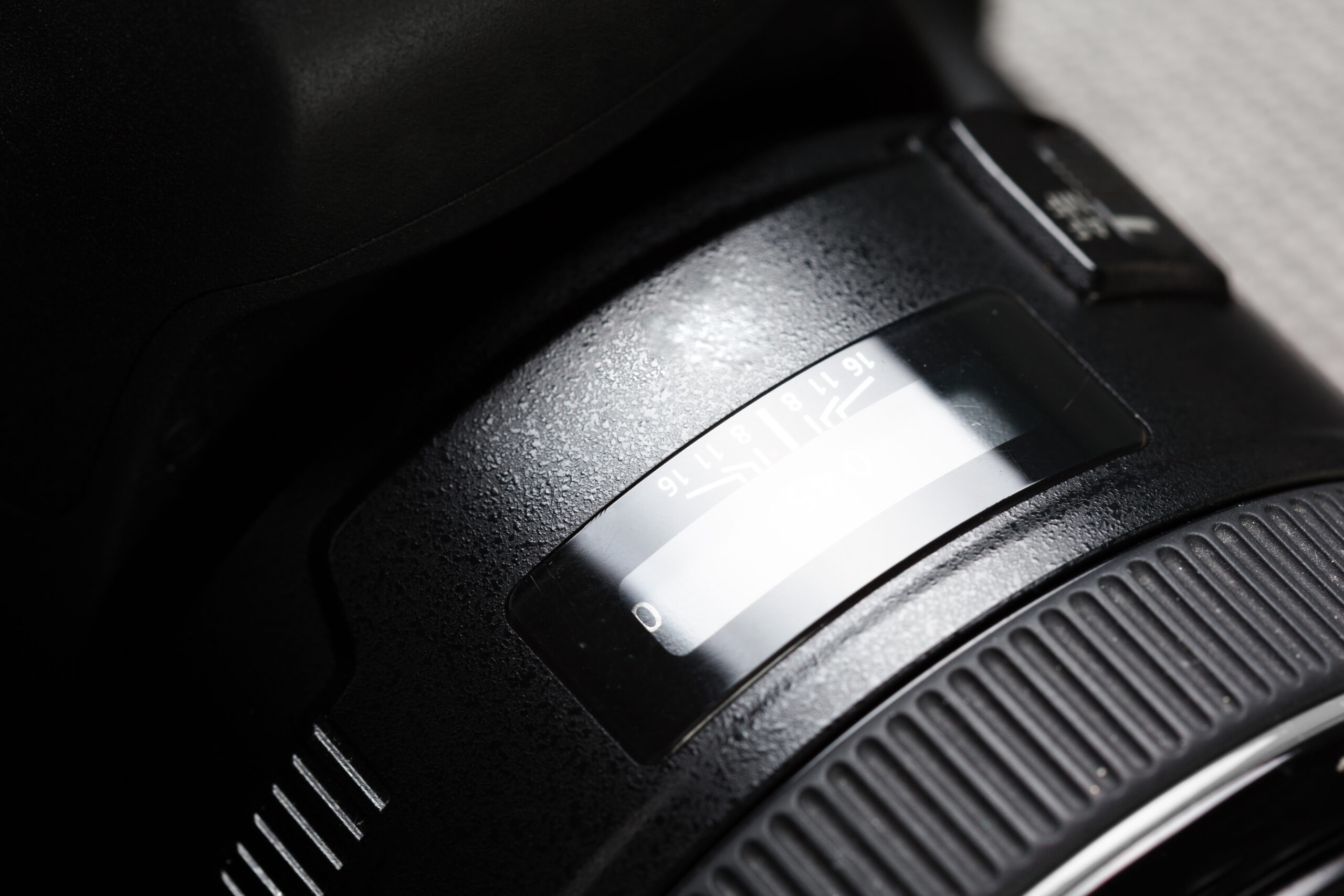
    In macro photography, depth of field (the area of acceptable focus) is incredibly shallow, which means that only a tiny portion of your subject will be in sharp focus. To maximize depth of field, shoot at smaller apertures (higher f-numbers) and use focus stacking techniques, which involve taking multiple shots at different focus points and combining them in post-processing.

    4. Experiment with Lighting

    Proper lighting is crucial for bringing out the intricate details and textures in macro photography. Natural light can work well, but it’s often unpredictable and difficult to control. Consider using off-camera flashes or continuous lighting sources, such as LED panels or ring lights, to achieve precise and even illumination. Diffusers and reflectors can also help to soften harsh shadows and create a more pleasing overall light quality.

    5. Get Creative with Backgrounds

    In macro photography, the background is just as important as the subject itself. A cluttered or distracting background can ruin an otherwise stunning shot. Look for simple, neutral backgrounds that won’t compete with your subject, or use shallow depth of field to blur out the background completely. You can also experiment with interesting textures or colors to complement your subject and add visual interest.

    6. Be Patient and Persistent

    Macro photography requires a great deal of patience and persistence. You may need to spend hours waiting for the perfect moment, adjusting your camera settings, and experimenting with different angles and compositions. Don’t get discouraged if your initial attempts aren’t successful. Keep practicing, and you’ll gradually develop the skills and eye for detail that will elevate your macro photography to new heights.

    Whether you’re capturing the intricate patterns of a butterfly’s wing or the delicate veins of a leaf, macro photography offers a captivating glimpse into the miniature world around us. By following these tips and investing time and effort into mastering this craft, you’ll be able to create truly remarkable images that reveal the beauty hidden in the smallest of details.
  • Pro Tips for Editing RAW Images Like an Expert

    Pro Tips for Editing RAW Images Like an Expert

    RAW image files contain unprocessed data from your camera’s image sensor before any in-camera processing is applied. Editing RAW files gives you much more control and flexibility compared to JPEGs, allowing you to get the most out of your photos. However, RAW editing requires more work. Here are some pro tips to help you master RAW image editing.

    1. Shoot in RAW 

    The first and most important step is to set your camera to capture images in its own RAW file format, such as .CR2 for Canon or .NEF for Nikon. This gives you an uncompressed, unprocessed file to work with.

    2. Use Editing Software Built for RAW

    Don’t try to edit RAW files in basic image editors. You need software built specifically to read and process RAW data, like Adobe Lightroom, Capture One, or your camera maker’s proprietary software.

    3. Set Your White Balance 

    Unlike JPEGs, RAW files contain no white balance baked in. Adjust the white balance first to get neutral tones and true colors. Use the eyedropper tool to sample something you know should be neutral.

    4. Adjust Exposure and Contrast

    Take advantage of the greater dynamic range in RAW files to recover details in highlights and shadows that might be clipped in JPEGs. Carefully adjust exposure, highlights, shadows, blacks, and contrast.

    5. Enhance Colors and Clarity

    Fine tune color saturation, vibrance, and luminance to make your colors richer. Then add selective sharpening and clarity to give your images more punch and dimension.

    6. Apply Lens Corrections

    RAW editors let you automatically remove distortion, vignetting, and chromatic aberration caused by your particular lens with one click.

    7. Use Graduated and Radial Filters

    Draw linear or circular gradients to selectively apply adjustments to certain areas, like darkening skies or brightening subjects.

    8. Leverage Presets and Profiles

    Develop a workflow using preset editing settings or camera profiles tuned for your specific equipment. This keeps your edits consistent.

    9. Customize and Batch Edit

    Create your own preset recipes tailored to your personal style, then apply them with one click across entire shoots or libraries.

    10. Start on the Right Foot

    Get the best RAW files possible by using a high-quality camera, optimum exposure settings, a sturdy tripod, and ideal lighting when shooting.

    With the power and flexibility of RAW editing, you can truly elevate your photography and distinguish your work from the masses of JPEG shooters. Take the time to perfect your RAW workflow for spectacular results.

  • RAW vs JPEG: Understanding the Key Differences for DSLR Photographers

    RAW vs JPEG: Understanding the Key Differences for DSLR Photographers

    When it comes to capturing photos with a DSLR camera, one of the key decisions you’ll need to make is whether to shoot in RAW or JPEG format. Both options have their own advantages and disadvantages, and understanding the differences between them can help you make an informed choice based on your specific needs and shooting scenarios.

    What is RAW?

    RAW is a file format that captures all the unprocessed data from the camera’s image sensor. Unlike JPEG files, RAW files contain the full range of data captured by the sensor, including information about color, brightness, and other image characteristics. This data is left unprocessed, allowing you to later adjust and manipulate the image using editing software like Adobe Lightroom or Capture One.

    Advantages of RAW:

    1. More flexibility in post-processing: RAW files provide more flexibility for adjusting exposure, white balance, contrast, and other image settings during post-processing. This allows you to recover details in highlights and shadows that might be lost in a JPEG file.

    2. Higher image quality: RAW files capture more color and tonal information than JPEGs, resulting in higher image quality and more room for editing without introducing artifacts or degradation.

    3. Greater bit depth: RAW files typically have a higher bit depth (e.g., 14-bit or 16-bit) compared to JPEGs, which are 8-bit files. This allows for smoother gradations and better editing capabilities.

    Disadvantages of RAW:

    1. Larger file sizes: RAW files are significantly larger than JPEGs, which means you’ll need more storage space and faster memory cards.

    2. Requires post-processing: RAW files need to be processed and converted to a more widely usable format like JPEG or TIFF before they can be shared or printed.

    3. Compatibility issues: Not all software and devices support RAW file formats, which can limit your ability to share or view the images without additional processing.

    What is JPEG?

    JPEG (Joint Photographic Experts Group) is a widely used image file format that compresses the image data to reduce file size. When you shoot in JPEG mode, your camera processes the image data from the sensor and applies various settings, such as white balance, contrast, and sharpening, before saving the file.

    Advantages of JPEG:

    1. Smaller file sizes: JPEG files are much smaller than RAW files, making them easier to store and share.

    2. Widely compatible: JPEG is a universal file format that can be opened and viewed by most software and devices without any additional processing.

    3. Ready-to-use: JPEG files are processed in-camera, so they’re ready to be shared or printed without any additional editing.

    Disadvantages of JPEG:

    1. Limited editing flexibility: JPEG files have less dynamic range and bit depth compared to RAW files, which means you have less room for adjustments in post-processing without introducing artifacts or quality loss.

    2. Potential data loss: The compression process used in JPEG files can result in some data loss, especially if the compression level is set too high.

    3. Limited ability to recover highlights and shadows: JPEG files have a more limited range for recovering details in highlights and shadows compared to RAW files.

    Which Format Should You Choose?

    The choice between RAW and JPEG ultimately depends on your shooting needs and preferences. If you’re a professional photographer or serious enthusiast who values maximum image quality and editing flexibility, shooting in RAW format is generally recommended. However, if you’re shooting for casual purposes or need to share images quickly without extensive post-processing, JPEG might be the more convenient option.

    Many photographers opt to shoot in RAW+JPEG mode, which captures both file formats simultaneously. This allows you to have the best of both worlds – the editing flexibility of RAW files and the convenience of readily shareable JPEG files.

    Ultimately, understanding the differences between RAW and JPEG formats can help you make an informed decision based on your specific needs and workflow.

  • Point and Shoot vs DSLR Cameras: Understanding the Key Differences

    Point and Shoot vs DSLR Cameras: Understanding the Key Differences

    In the world of photography, two main types of cameras dominate the market: point and shoot cameras and digital single-lens reflex (DSLR) cameras. While both serve the purpose of capturing images, they differ significantly in terms of features, capabilities, and intended use. Understanding these differences can help you make an informed decision when choosing the right camera for your needs.

    Point and Shoot Cameras: Compact and Convenient

    Point and shoot cameras, also known as compact cameras, are designed for simplicity and ease of use. These cameras are typically small, lightweight, and pocket-friendly, making them ideal for casual photographers who want to capture everyday moments without the hassle of complex settings.

    Key features of point and shoot cameras:

    1. Automatic settings: Point and shoot cameras are built with automated features that handle most of the camera settings, such as focus, exposure, and white balance. This makes them user-friendly for those who prefer a straightforward, point-and-shoot experience.

    2. Zoom lenses: Many point and shoot cameras come equipped with built-in zoom lenses, allowing you to get closer to your subject without physically moving. However, the zoom range is generally limited compared to DSLR cameras.

    3. Compact size: The compact design of point and shoot cameras makes them highly portable and convenient for travel, social events, and capturing spontaneous moments on the go.

    4. Limited manual controls: While some advanced point and shoot cameras offer manual controls, most models prioritize automatic settings and ease of use over extensive customization options.

    DSLR Cameras: Versatility and Professional-Grade Features

    DSLR cameras, on the other hand, are designed for photographers who demand greater control, flexibility, and image quality. These cameras are typically larger and more robust, offering a range of advanced features and interchangeable lenses.

    Key features of DSLR cameras:

    1. Interchangeable lenses: DSLR cameras allow you to swap lenses based on your shooting needs, enabling you to capture a wide variety of subjects and scenarios with optimal optics. This versatility is one of the most significant advantages of DSLR cameras.

    2. Manual controls: DSLR cameras offer extensive manual controls, allowing you to adjust settings like aperture, shutter speed, ISO, and white balance to achieve the desired creative effects and capture images tailored to your vision.

    3. Larger image sensors: DSLR cameras typically have larger image sensors compared to point and shoot cameras, which translates to better image quality, lower noise levels, and improved low-light performance.

    4. Advanced autofocus and metering systems: DSLR cameras employ sophisticated autofocus and metering systems, enabling precise focus tracking and accurate exposure calculations, even in challenging lighting conditions.

    5. High-speed shooting: Many DSLR cameras are capable of capturing high-speed burst shots, making them well-suited for action photography, sports, and other fast-paced scenarios.

    While DSLR cameras offer greater versatility and control, they also come with a steeper learning curve and a higher price tag compared to point and shoot cameras.

    Choosing the Right Camera for Your Needs

    Ultimately, the choice between a point and shoot camera and a DSLR camera depends on your photography goals, experience level, and budget. Point and shoot cameras are ideal for casual photographers who prioritize convenience and simplicity, while DSLR cameras cater to those seeking professional-grade features, manual controls, and the ability to capture high-quality images in various shooting scenarios.

    Remember, the camera itself is just a tool; the true art lies in the photographer’s vision, creativity, and understanding of composition and lighting. Regardless of your choice, practice and experimentation are key to mastering the art of photography.

  • Pinhole Photography with a DSLR: Revealing the Magic of Lensless Imagery

    Pinhole Photography with a DSLR: Revealing the Magic of Lensless Imagery

    In the digital age of advanced camera technology and sophisticated lenses, some photographers are rediscovering the timeless charm of pinhole photography. This centuries-old technique eschews modern optics in favor of a simple aperture to capture images, resulting in soft, dreamy visuals with an unmistakable aesthetic. While pinhole photography is often associated with rudimentary box cameras, it’s also possible to adapt this minimalist approach to shoot pinhole images with a DSLR.

    The Pinhole Principle

    At its core, pinhole photography relies on a tiny hole which functions as the camera’s aperture, often punched through a thin material like aluminum or brass. Light passes through this minuscule opening and projects an inverted image onto the image sensor or film plane inside the camera body. The smaller the hole, the sharper the image, but this also requires slower shutter speeds to achieve proper exposure.

    Converting Your DSLR

    To experiment with pinhole photography using your DSLR, you’ll need to convert the camera by replacing the lens mount with a pinhole aperture. This can be achieved by using body caps designed specifically for pinhole photography or by carefully modifying existing body caps with a drill bit to create the pinhole. Specialized pinhole body caps are available for purchase from various manufacturers.  

    It’s crucial to ensure a light-tight seal once the pinhole body cap is attached to avoid light leaks which can ruin your exposures. Some photographers opt to use tape or anti-reflective flocking material inside the body cap to help prevent internal reflections.

    Pinhole Exposures

    Capturing pinhole images with a DSLR requires very long exposures, often ranging from several seconds to minutes or even hours, depending on lighting conditions. A sturdy tripod is essential. Additionally, using your camera’s mirror lockup function can help minimize vibrations from the mirror mechanism during these extended exposures.

    In bright daylight, exposures of 5-30 seconds are generally sufficient to produce an image. In lower light, exposures can extend to minutes or hours. A cable release or the camera’s self-timer can be invaluable for tripping the shutter without introducing camera shake.

    The Dreamy Appeal

    While sharpness is limited with pinhole imagery, that’s part of its distinctive appeal. Pinhole photographs exhibit virtually infinite depth of field with a soft, glowing quality. The results have an ethereal, almost otherworldly appearance that stands in contrast to the clinical sharpness of most digital imagery. 

    Subjects that are sublimely rendered through a pinhole lens include landscapes, architectural details, still lifes, and portraiture. The unique visual signature of pinhole photography offers an experimental creative outlet and fascinating photographic exercise using modern camera equipment.

    By adapting a DSLR for pinhole shooting, photographers can explore the boundaries of their gear while reconnecting with the elemental principles of optics and image formation. While pinhole photography may be rooted in antiquity, its captivating aesthetic remains profoundly relevant for today’s image-makers seeking novel artistic visions.

  • The Rise of DSLR Cameras: Unleashing Your Photography Potential

    The Rise of DSLR Cameras: Unleashing Your Photography Potential

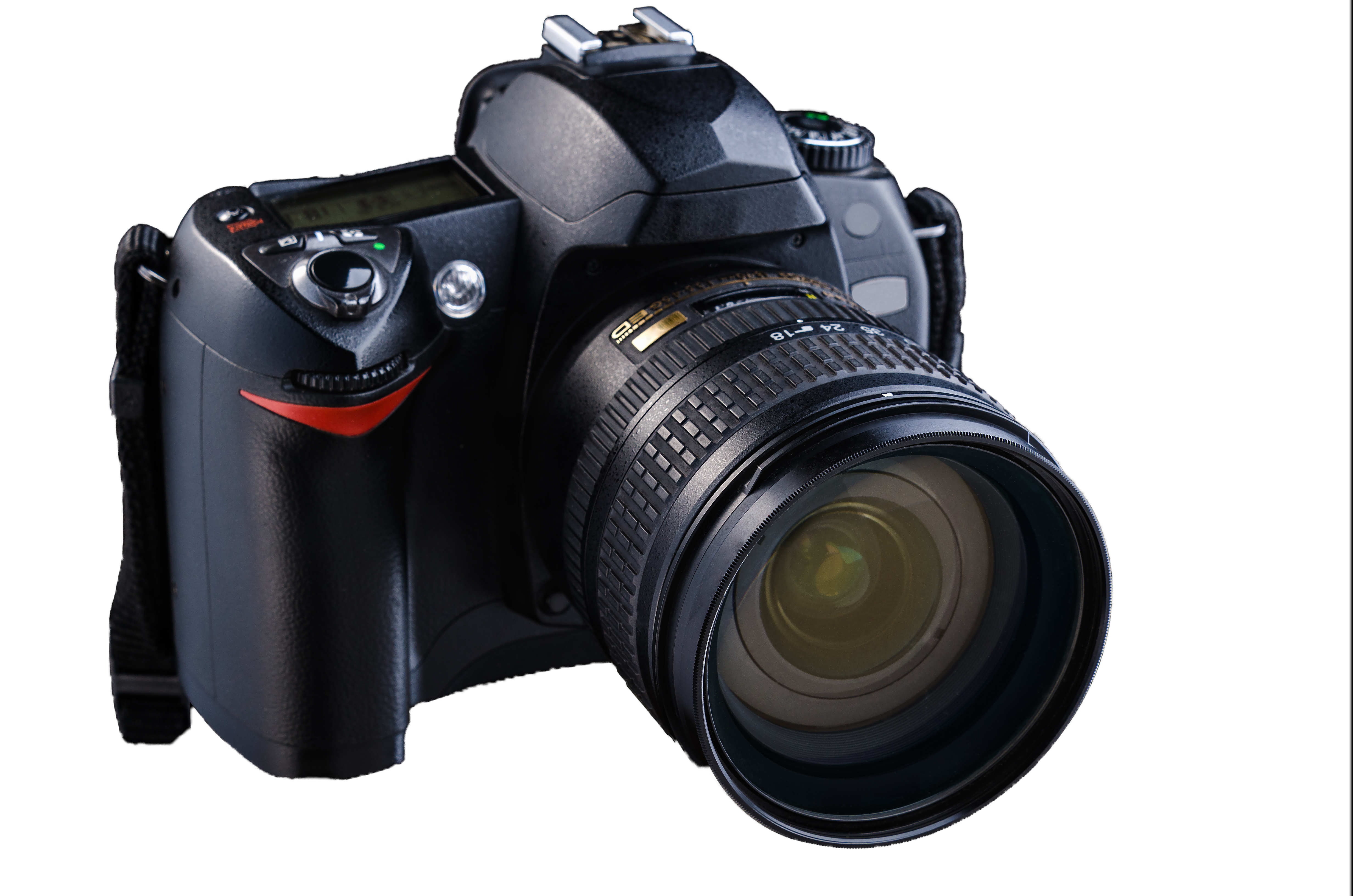
    In the ever-evolving world of photography, one technology has stood out as a game-changer: the Digital Single Lens Reflex (DSLR) camera. These powerful imaging devices have revolutionized the way we capture and create stunning visual masterpieces, empowering both professional photographers and enthusiastic amateurs alike.

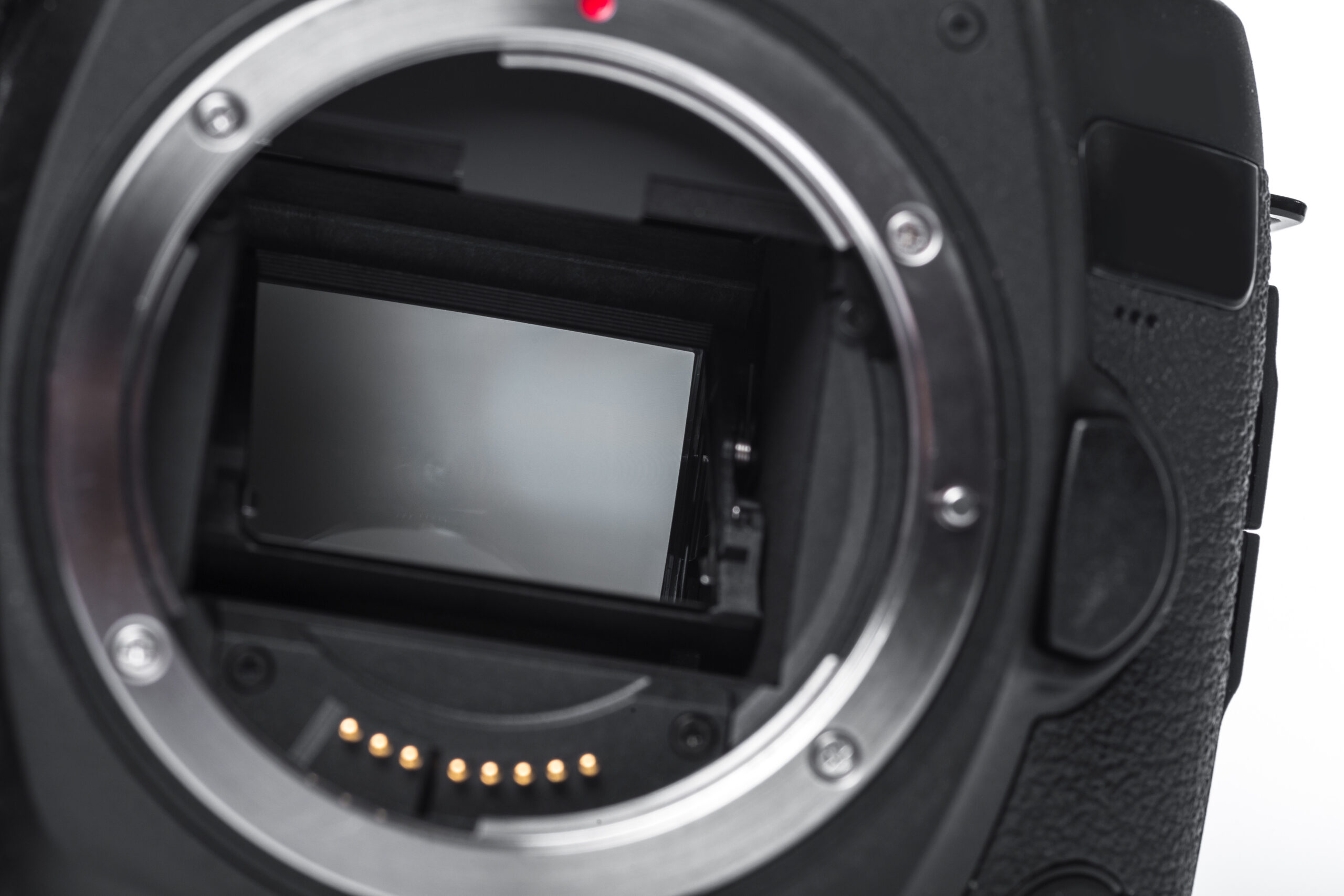
    At the heart of a DSLR camera lies a sophisticated mechanism that sets it apart from its compact counterparts. Unlike traditional point-and-shoot cameras, DSLRs utilize a reflex mirror system that allows the photographer to see precisely what the lens sees, providing an accurate representation of the scene through the viewfinder. This feature, combined with the ability to interchange lenses, opens up a world of creative possibilities.

    One of the most significant advantages of DSLR cameras is their large image sensor. This component, often an APS-C or full-frame sensor, captures an incredible amount of detail and dynamic range, allowing photographers to produce high-quality images with exceptional clarity and color fidelity. The larger sensor also enables better low-light performance, making DSLRs the preferred choice for shooting in challenging lighting conditions.

    Another key aspect of DSLR cameras is their versatility. With a vast array of interchangeable lenses available, from wide-angle to telephoto and everything in between, photographers can tailor their gear to suit any shooting scenario. Whether capturing sweeping landscapes, tightly framed portraits, or fast-paced action shots, the right lens can make all the difference in achieving the desired artistic vision.

    Beyond image quality and lens options, DSLR cameras offer a wealth of manual controls and customization options. Experienced photographers can adjust settings such as aperture, shutter speed, and ISO to achieve precise exposure, depth of field, and creative effects. This level of control empowers artists to fully express their creative vision, pushing the boundaries of what is possible in photography.

    While DSLR cameras may initially seem daunting to beginners, their intuitive controls and user-friendly interfaces make them accessible to photographers of all skill levels. With practice and dedication, anyone can master the art of DSLR photography and unlock a world of creative expression.

    In the digital age, where visual storytelling has become an integral part of our lives, DSLR cameras have emerged as powerful tools for capturing and preserving memories, exploring artistic boundaries, and sharing our unique perspectives with the world.

  • Camera Sensors: Crop vs Full Frame

    Camera Sensors: Crop vs Full Frame

    For photographers looking to upgrade their camera gear, one of the most important decisions is whether to choose a camera with a crop sensor or a full frame sensor. The sensor size has a significant impact on factors like image quality, depth of field control, low light performance, and more. Here’s a breakdown of the key differences:

    Sensor Size

    The main distinction lies in the physical dimensions of the image sensor. A full frame sensor is approximately the same size as a single 35mm film frame, measuring 36mm x 24mm. Crop sensors, also known as APS-C sensors, are smaller, with dimensions around 23.6mm x 15.7mm for most brands. The smaller size “crops” or trims the image from what a full frame would capture.

    Field of View

    Because of the smaller sensor area, crop sensor cameras effectively multiply the lens focal length by a “crop factor.” For most brands this is around 1.5x-1.6x. So a 50mm lens on a crop sensor provides a field of view similar to a 75-80mm lens on a full frame camera. This can be an advantage for subjects like wildlife where you may want more reach. But it also makes it harder to achieve ultra-wide angle perspectives.  

    Image Quality

    Full frame sensors generally produce better image quality, especially at higher ISOs. Their larger photosites can capture more light, resulting in less noise and greater dynamic range. However, newer crop sensors have significantly narrowed this gap in recent years.

    Depth of Field Control

    A full frame sensor provides shallower depth of field compared to the same aperture and focal length on a crop sensor. This allows easier separation of subjects from backgrounds with attractively blurred “bokeh” highlights. Crop sensors require wider apertures to achieve an equivalent depth of field.  

    Size and Weight 

    As a tradeoff for their improved imaging capabilities, full frame cameras and lenses tend to be significantly larger and heavier than crop sensor models. This makes full frame systems less portable and more cumbersome for extended carrying.  

    Price

    Full frame cameras and compatible lenses demand a premium price due to their enhanced performance and more complex manufacturing. Entry-level and enthusiast photographers often start with more affordable crop sensor options before potentially moving to full frame.

    In the end, the choice depends on shooting requirements and budget. Professionals and serious enthusiasts often prefer full frame for the versatility and uncompromised image quality. But crop sensors provide an excellent combination of performance and value, especially as the technology continues advancing.